🌐 内置文件服务
subs-check-pro 会在测试完后保存三个文件到 output/sub 目录中;output/sub 目录中的所有文件会由 8199 端口提供文件服务。
⚠️ 为方便使用 Cloudflare 隧道映射等方案在公网访问,本项目取消了对 output 文件夹的无限制访问。
访问 http://localhost:8199/files 进入内置文件服务
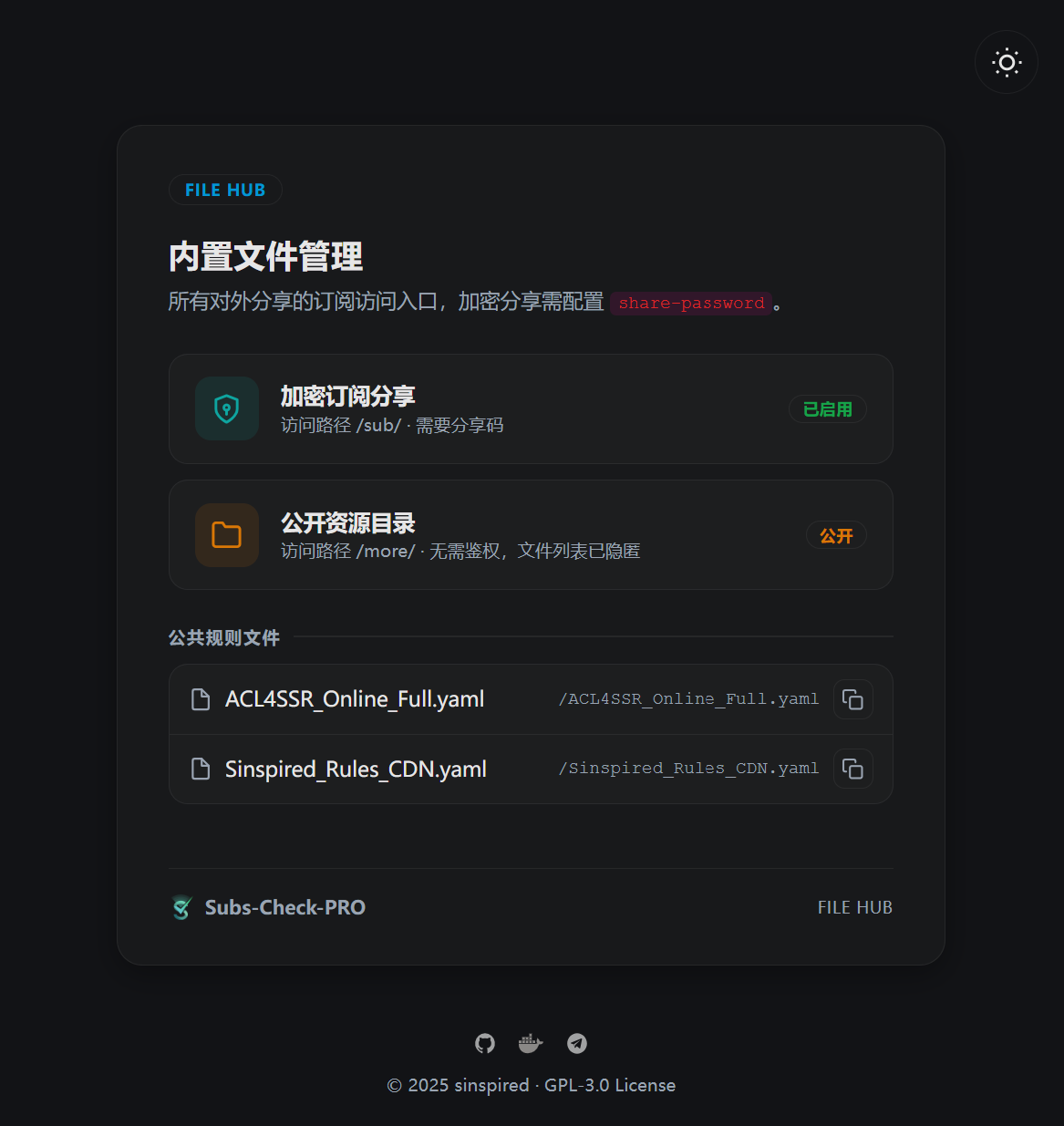
🔐 使用分享码分享(推荐)
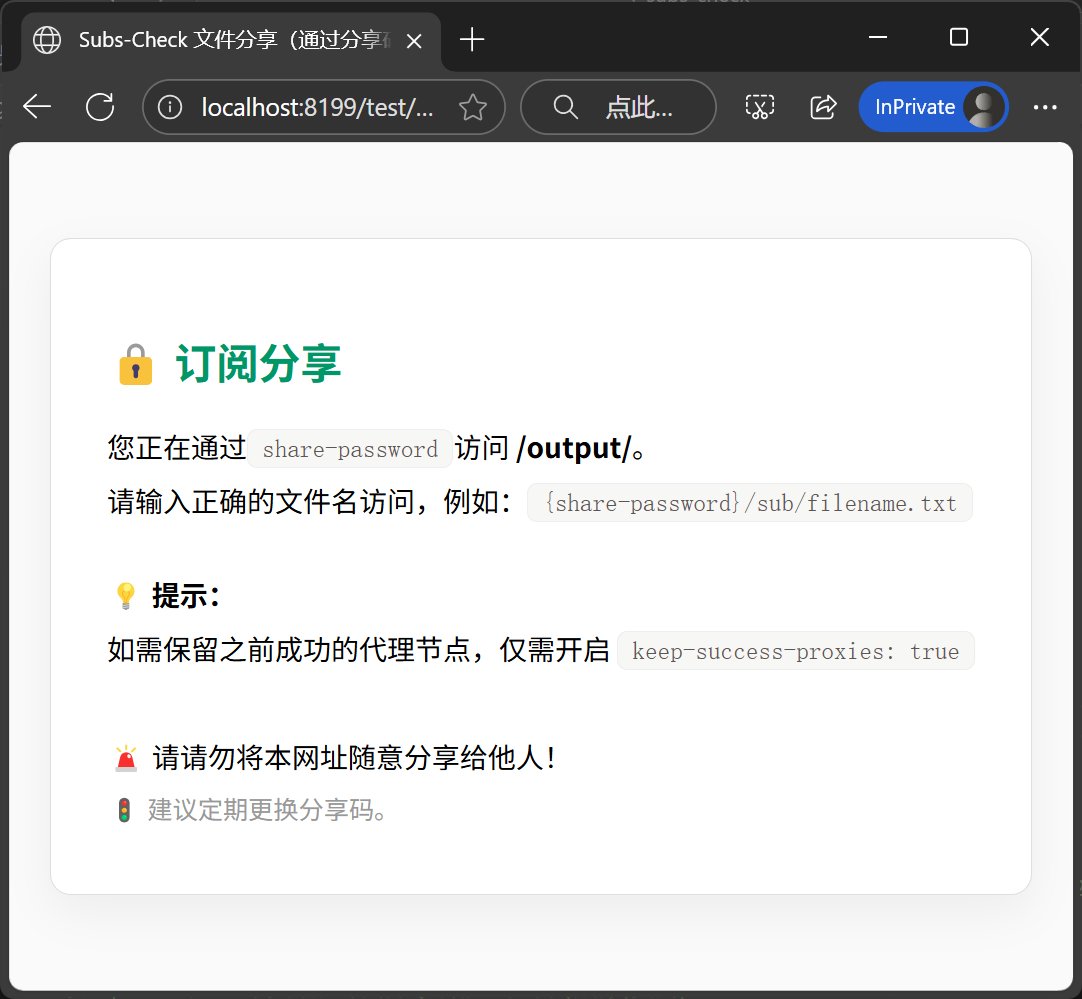
设置 share-password,使用分享码进行分享。可分享 /output/sub 目录的文件,比如 all.yaml、mihomo.yaml:
# 如果你要分享订阅,请设置订阅分享密码
# 订阅访问地址格式:http://127.0.0.1:8199/sub/{share-password}/filename.yaml
# 文件位置放在 output/filename.yaml
# 例如: http://127.0.0.1:8199/sub/{share-password}/all.yaml
share-password: ""
通过 http://127.0.0.1:8199/sub/{share-password}/all.yaml 访问。
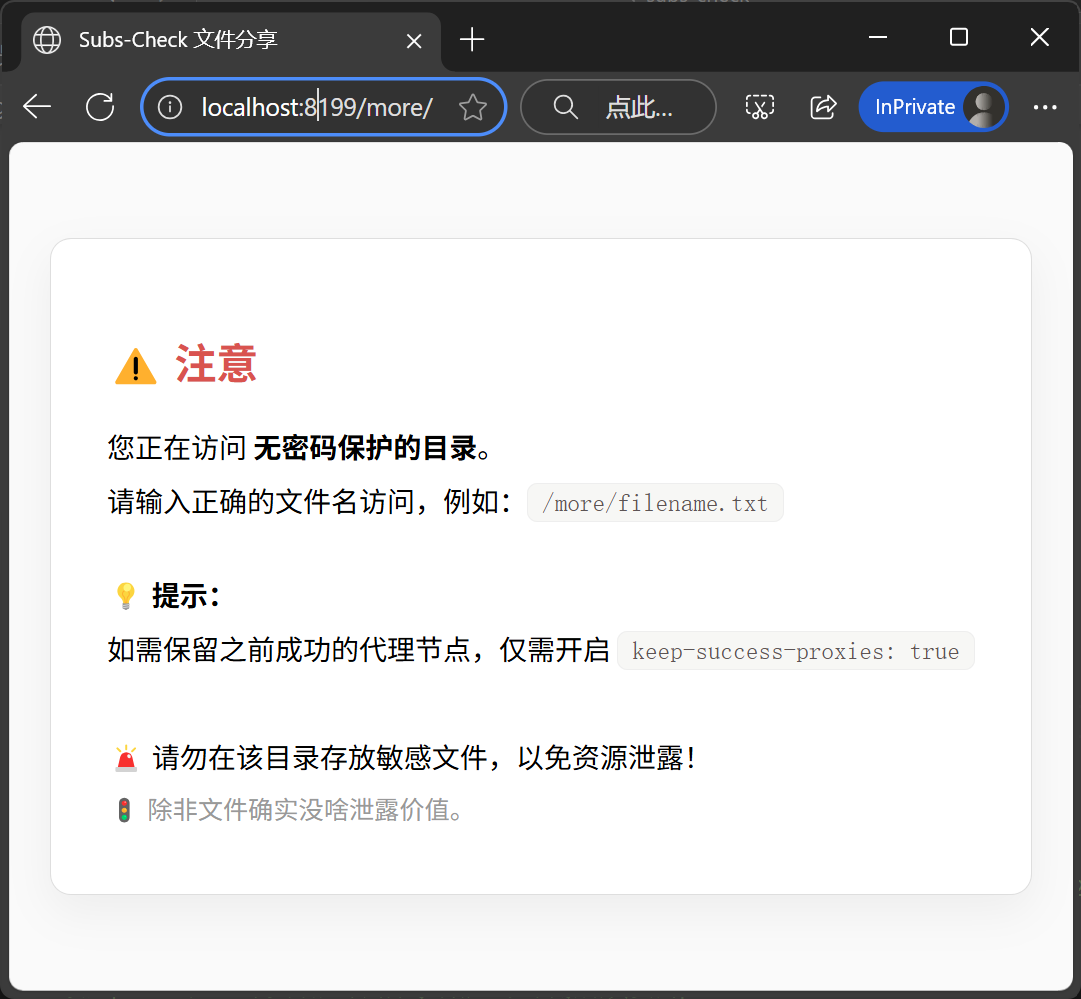
🗂️ 无密码保护分享(内网/少量文件)
将文件放入 output/more:通过 http://127.0.0.1:8199/more/文件名 直接访问。
| 服务地址 | 格式说明 | 来源说明 |
|---|---|---|
http://127.0.0.1:8199/sub/{share-password}/all.yaml | Clash 格式节点 | 由 subs-check-pro 直接生成 |
http://127.0.0.1:8199/sub/{share-password}/mihomo.yaml | 带分流规则的 Mihomo/Clash 订阅 | 从上方 Sub-Store 转换下载后提供 |
http://127.0.0.1:8199/sub/{share-password}/base64.txt | Base64 格式订阅 | 从上方 Sub-Store 转换下载后提供 |
http://127.0.0.1:8199/sub/{share-password}/history.yaml | Clash 格式节点 | 历次检测可用节点 |